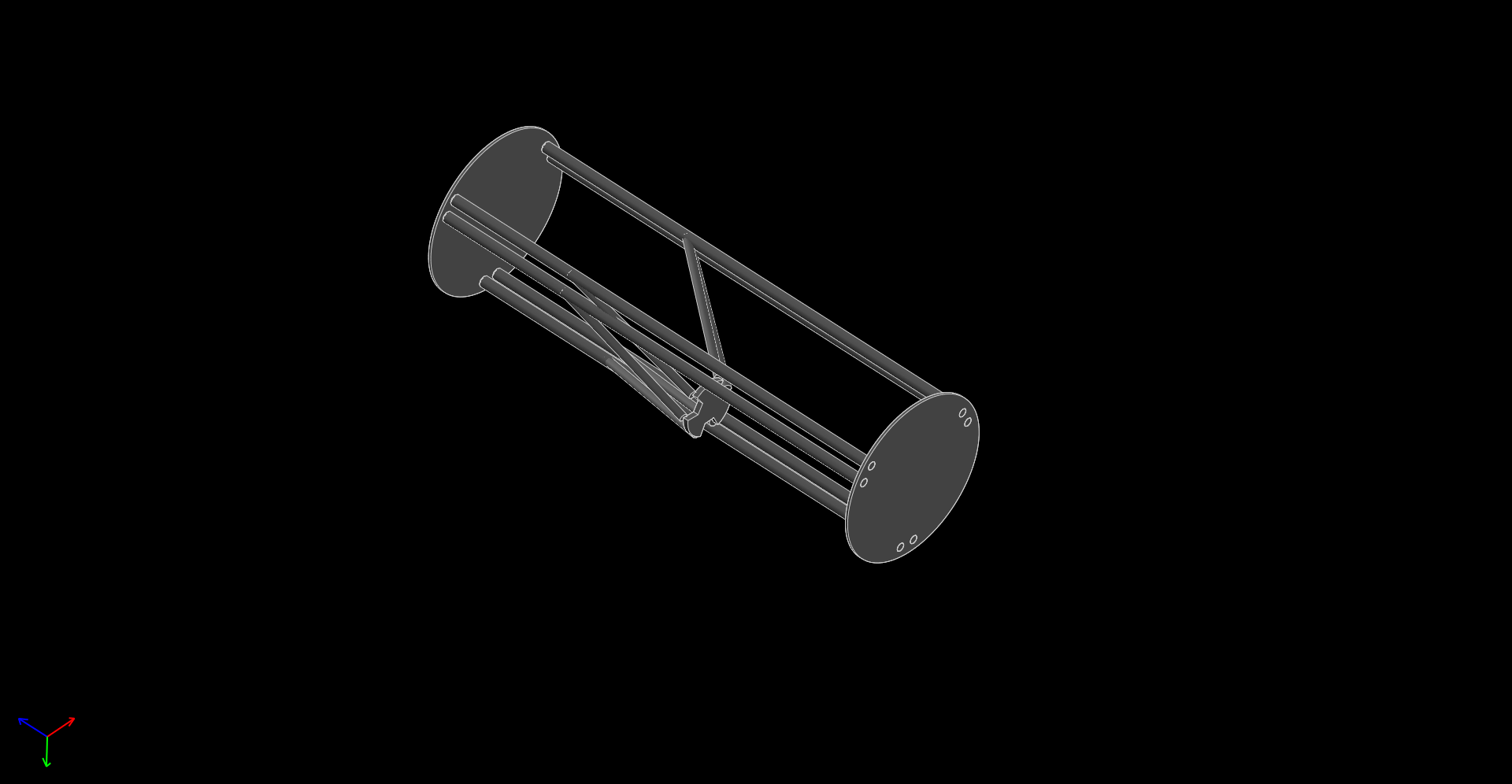
課程總結
四連桿運動路徑
四連桿運動路徑 from 40423116 on Vimeo.
Solvespace 四連桿圖檔:
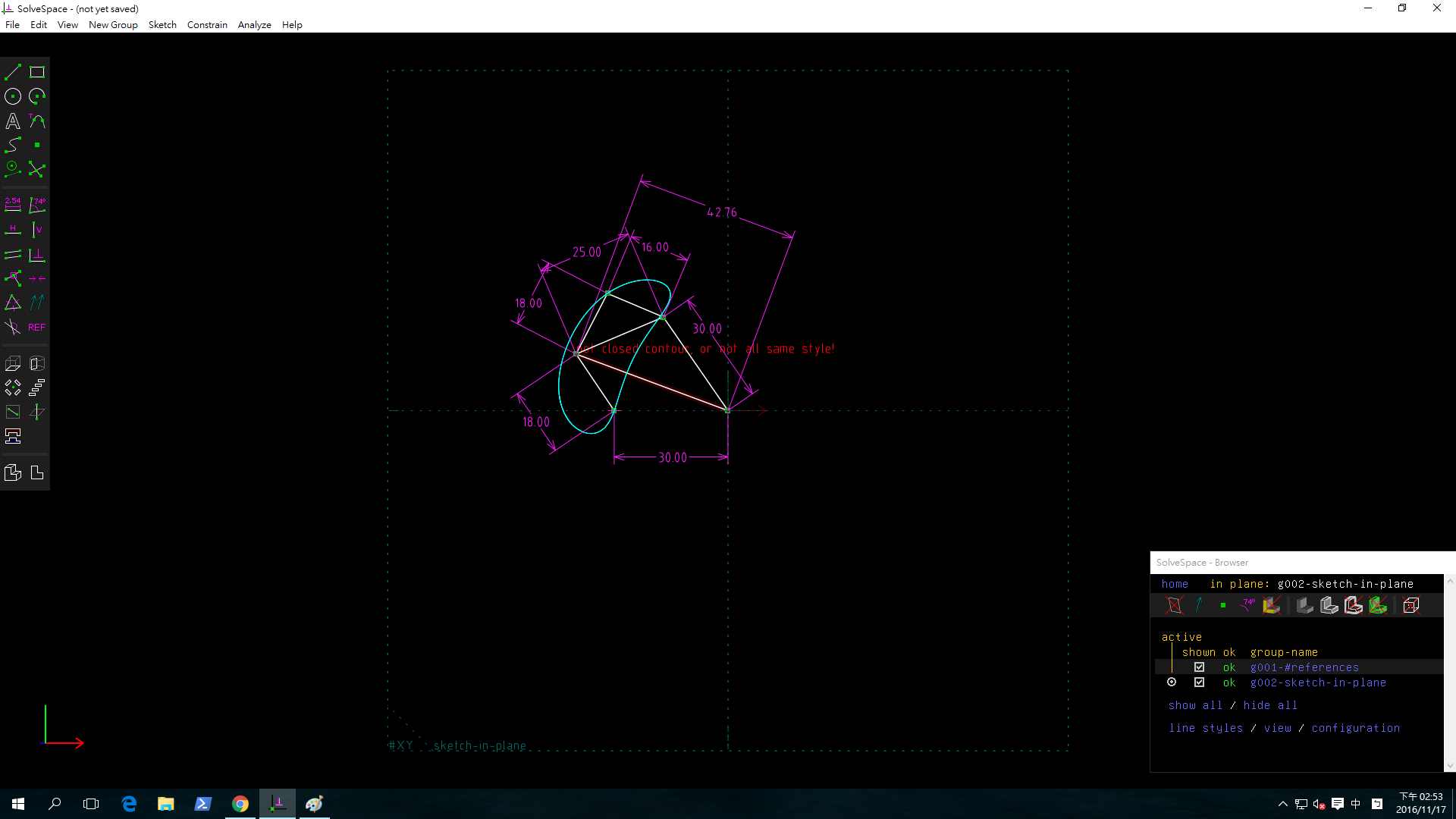
.png)
利用brython繪運動路徑
Solvespace
1. Parts (零件繪製)
範例檔案: http://solvespace.com/bracket.pl
An introductory tutorial is available, in which we draw the same part that is shown in the demo video.
This covers most of the basic features of SolveSpace, including sketches, constraints, extrusions, and Boolean operations.
When we first run SolveSpace, we will begin with an empty part. Initially, our view of the part will be oriented onto the XY plane; the label for that plane is displayed at the bottom left of the screen (#XY, in dark grey). The axes are also indicated by the three colored arrows at the bottom left; the X, Y, and Z axes are drawn in red, green, and blue respectively.
When we hover the mouse over any entity, constraint, or other object in the sketch, that object will appear highlighted in yellow. For example, the XY plane, which is drawn as a dashed square, will appear highlighted when we hover the mouse over it. The YZ and ZX planes initially look like dashed lines, because they are being viewed on edge; but they still appear highlighted in yellow when we hold the mouse over them. It is similarly possible to highlight the X, Y, and Z axes (which are drawn as arrows), or the origin (which like all points is drawn as a green square).
簡易長出、除料、旋轉長料
2017 01 14 17 53 31 199 from 40423116 on Vimeo.
Extrude (平行長出或除料)
STL 格式
範例:平行長出
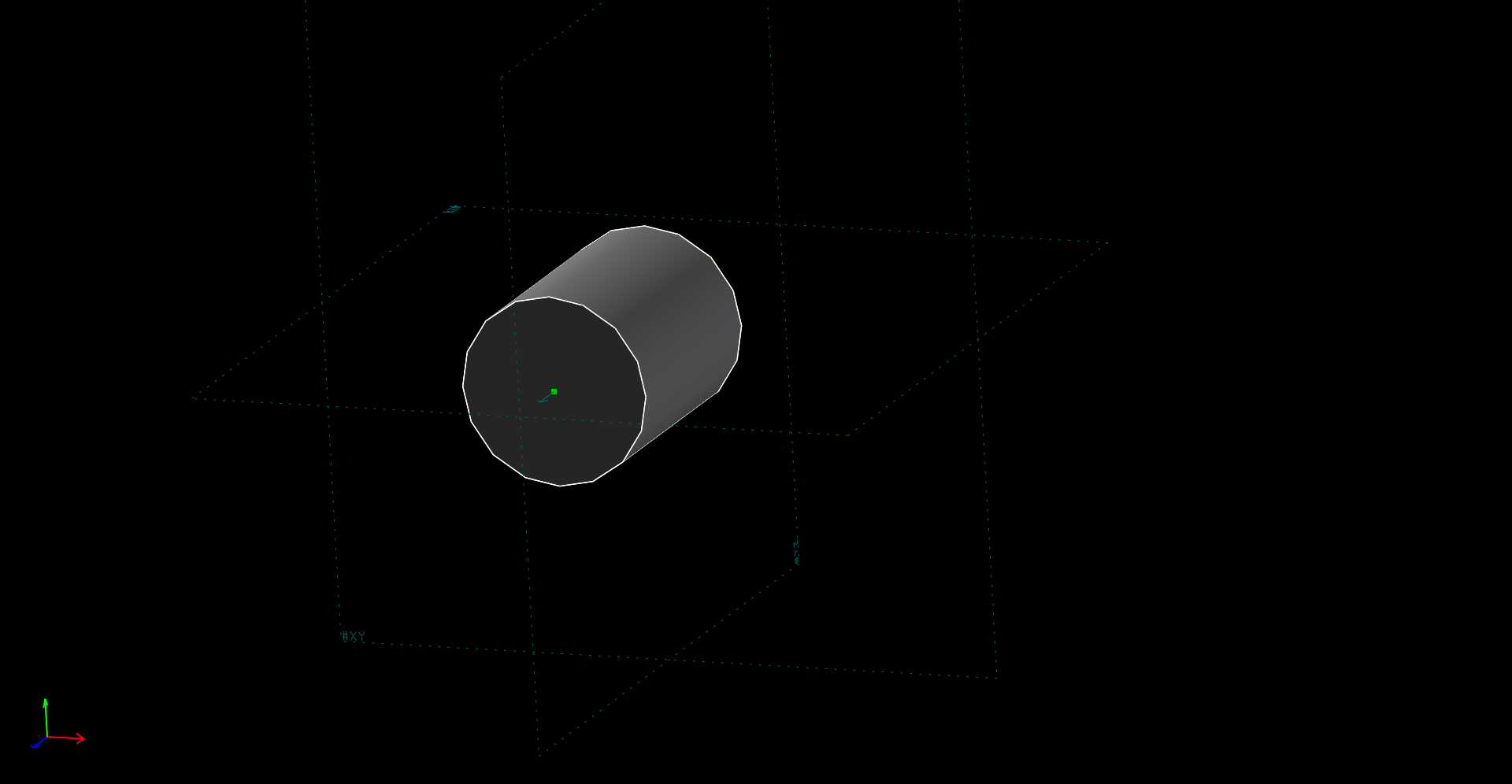
STL 格式
範例:除料
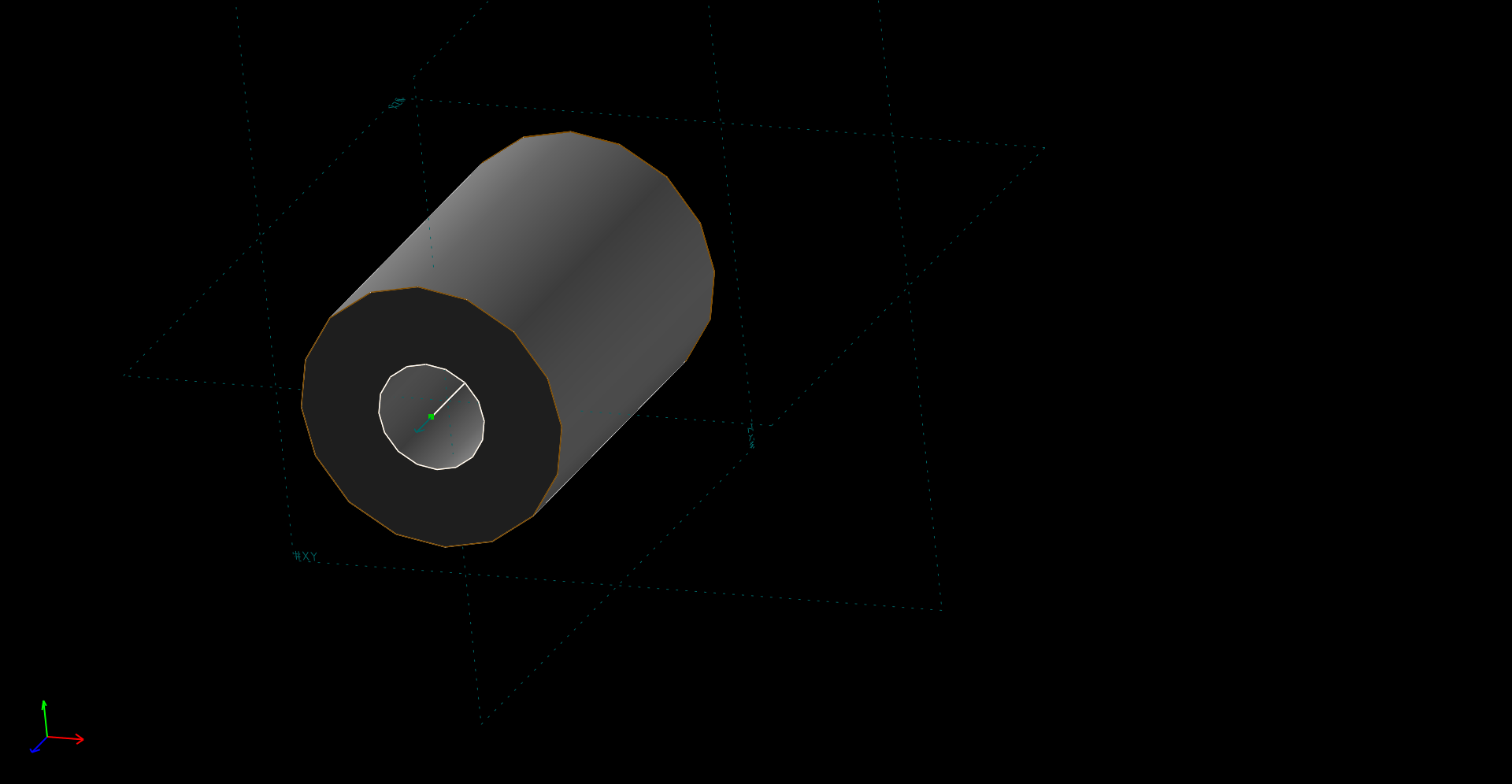
Lathe (旋轉繞行長出或除料)
Export Triangle Mesh
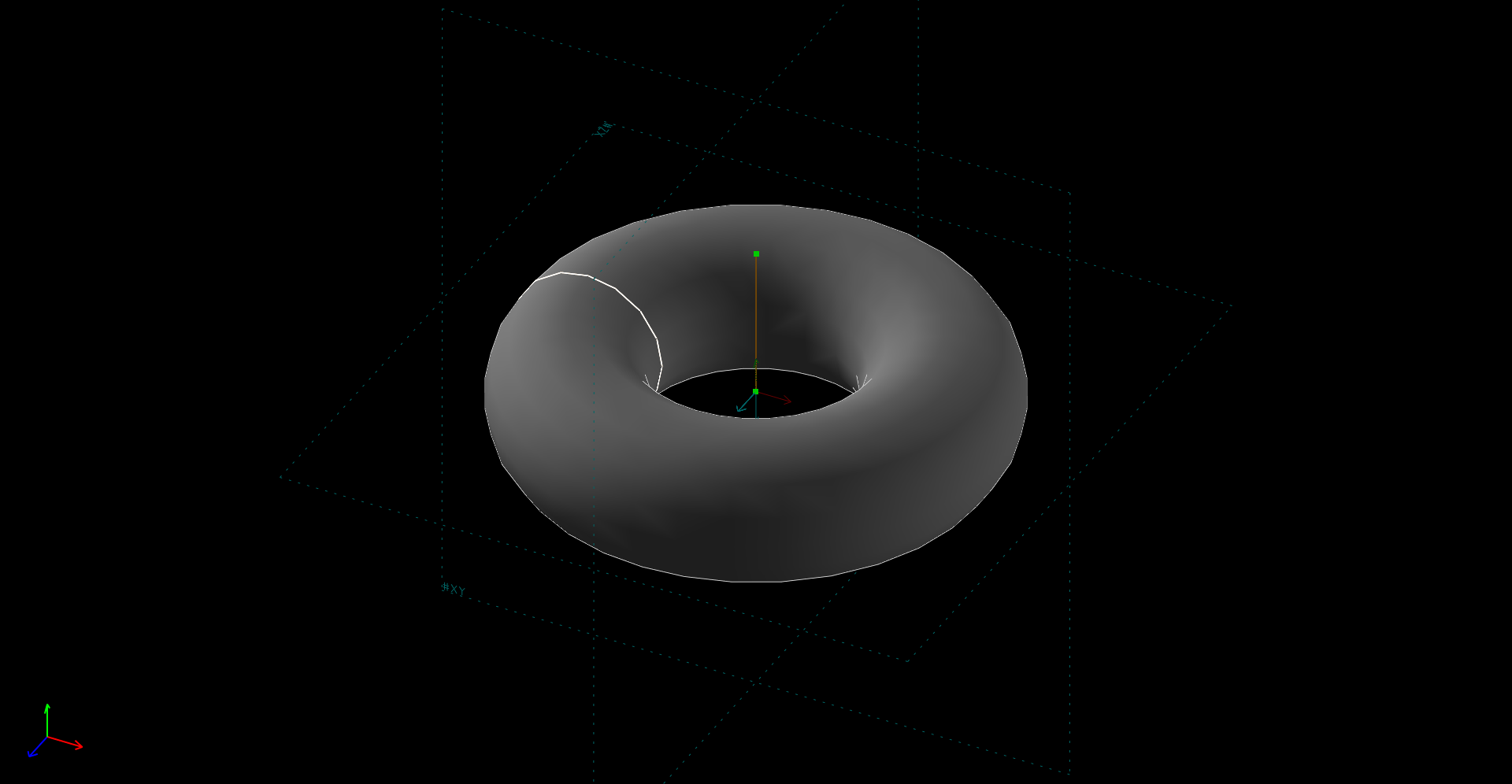
練習零件繪製
練習零件繪製 from 40423116 on Vimeo.
Solvespace 組合件繪圖
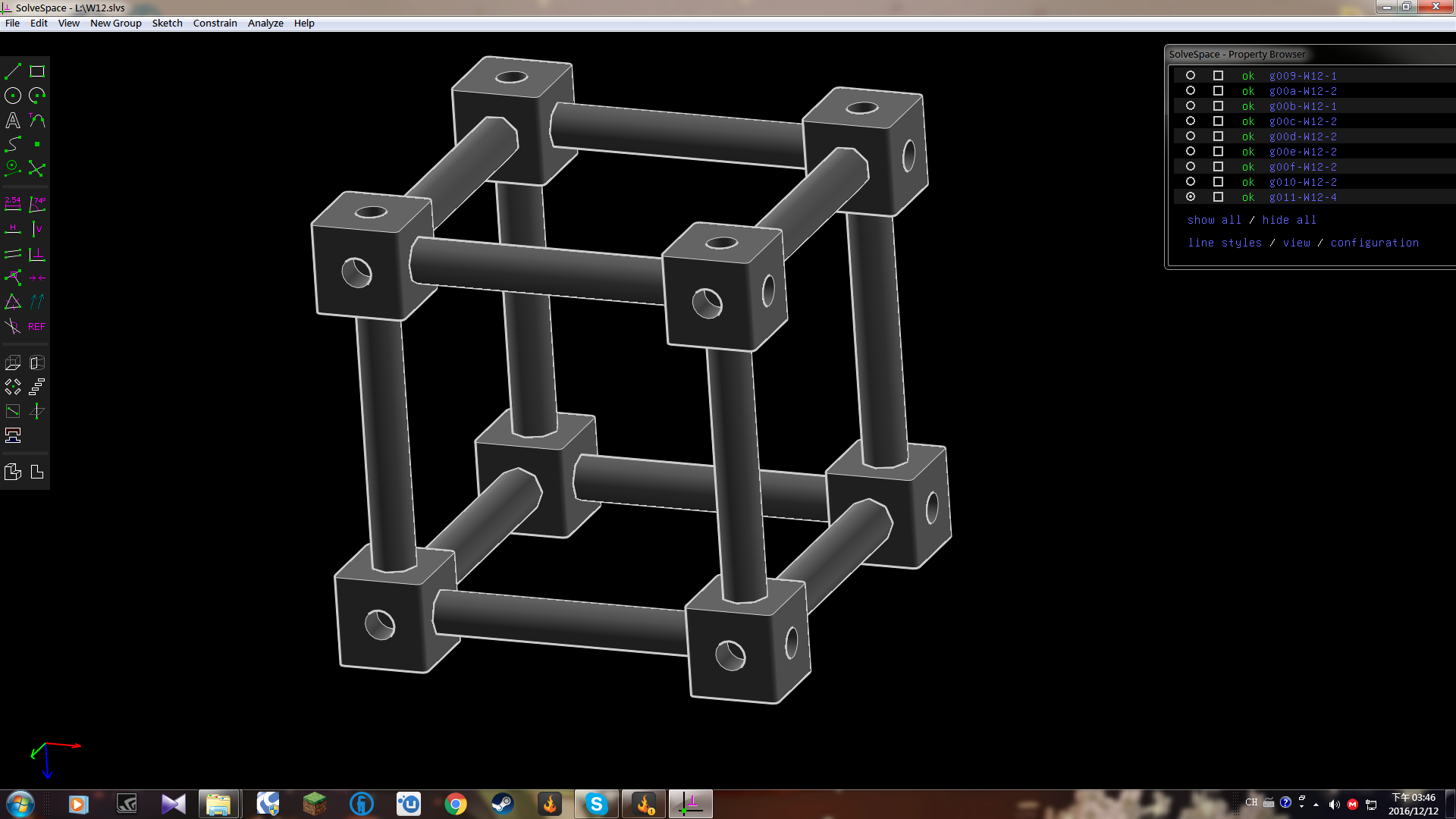
Solvespace 組合圖
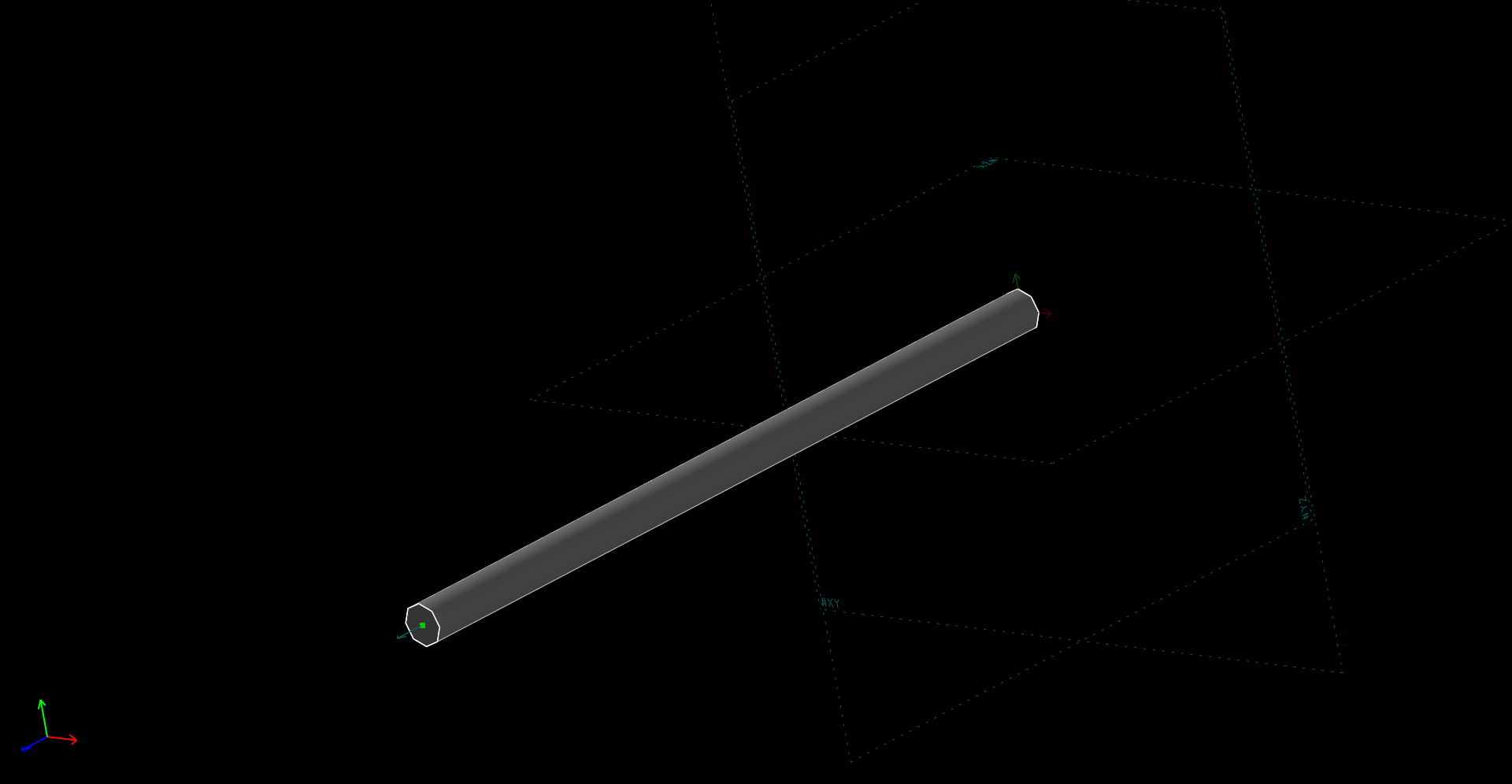
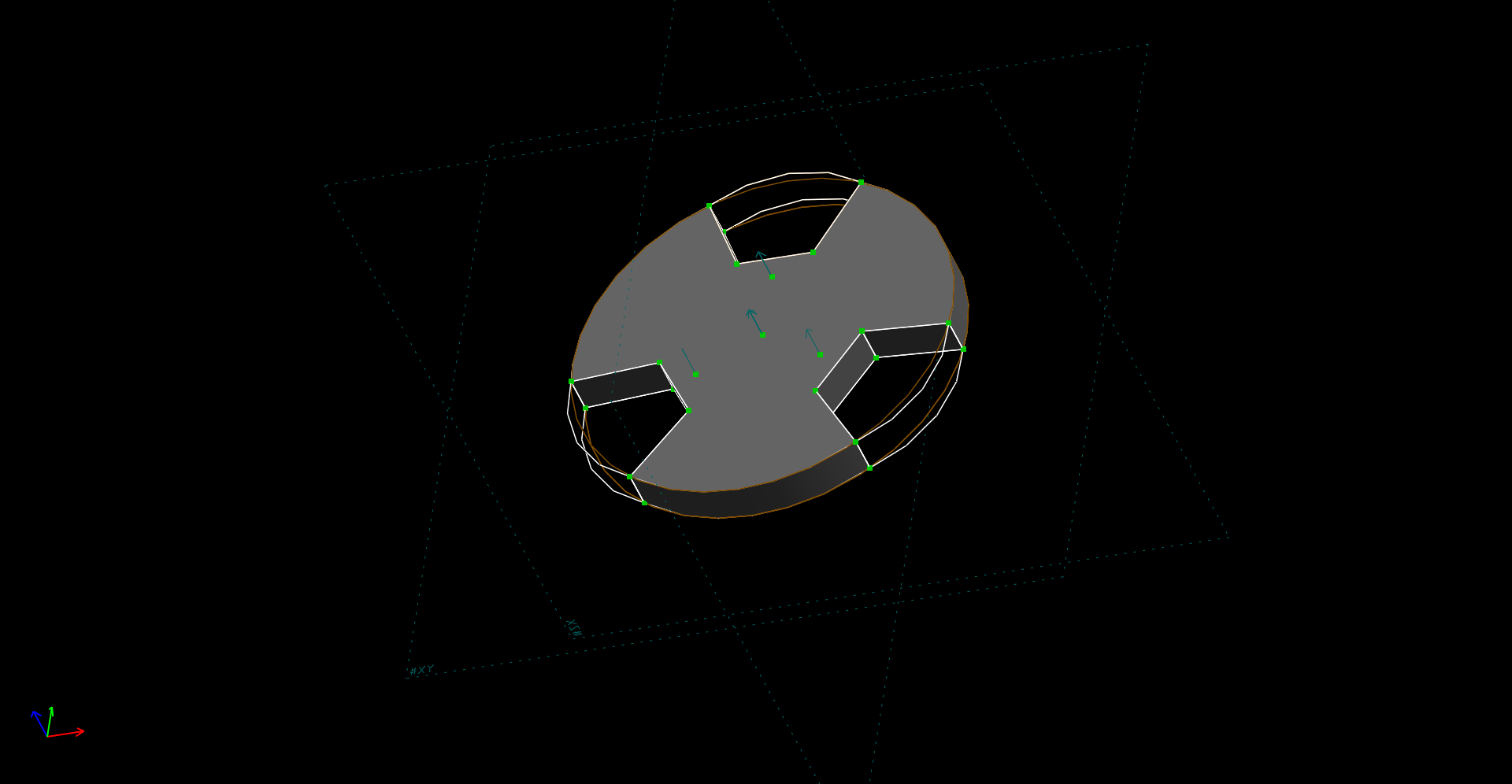
Solvespace 3D列印機 自製 零件
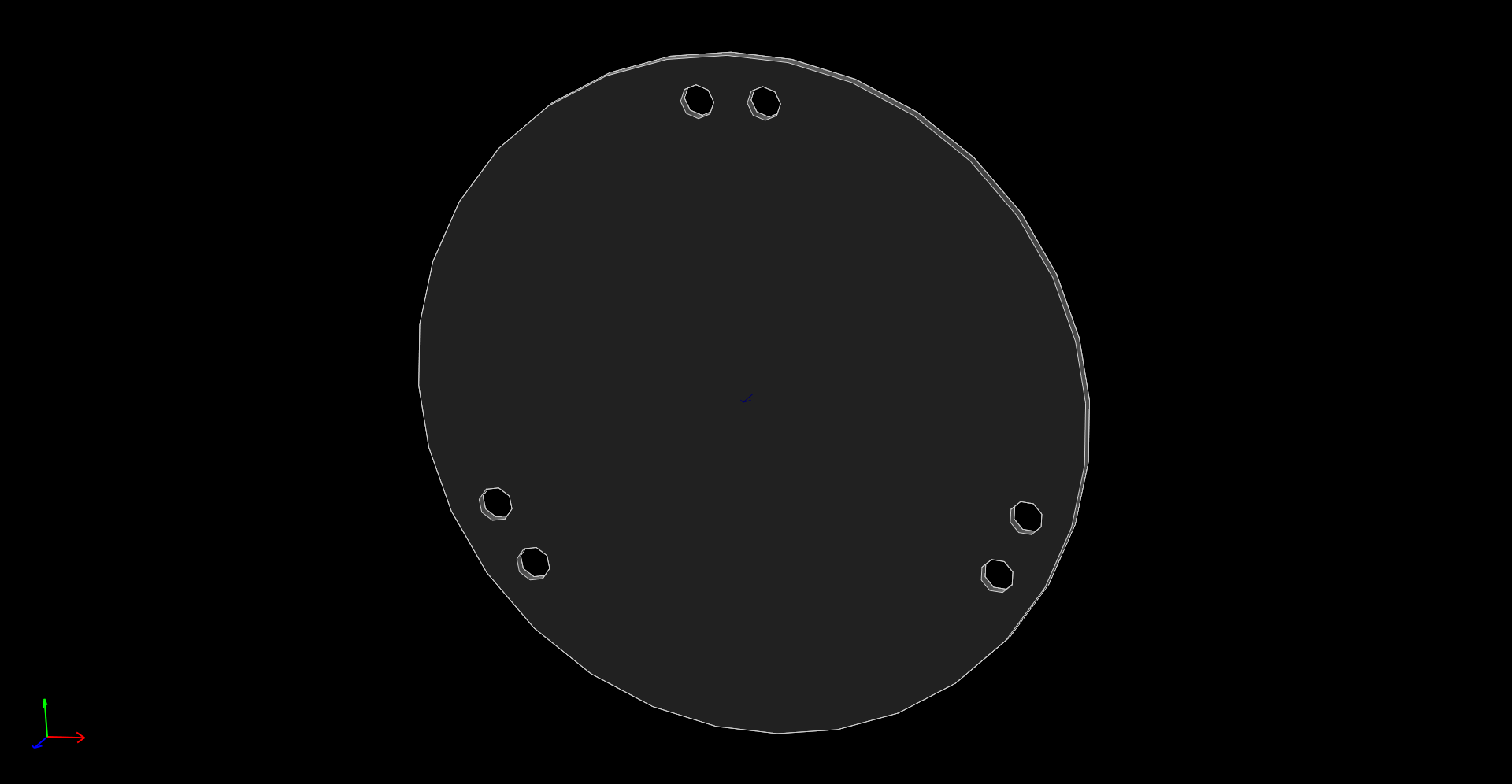
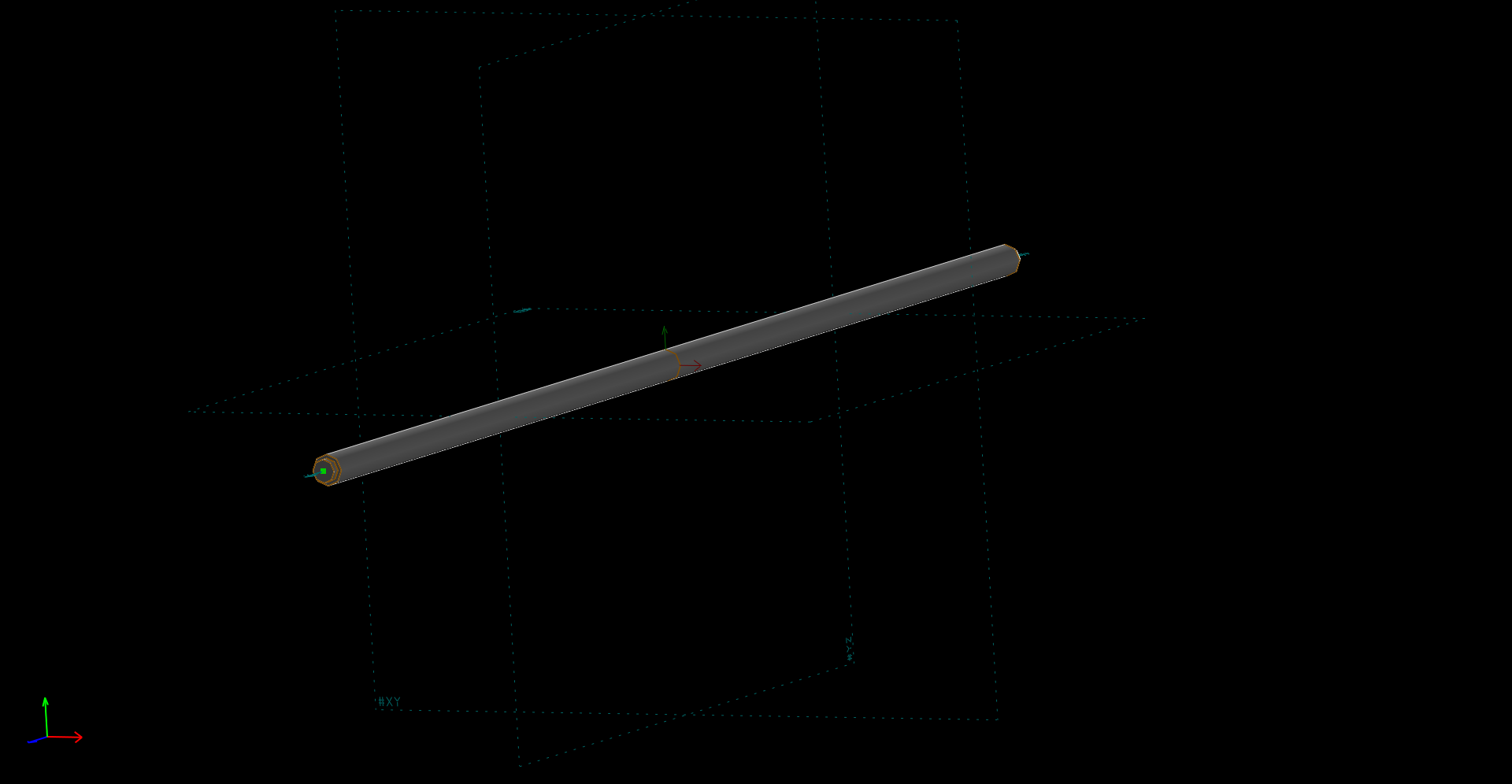
Solvespace 3D列印機 組合圖